SF Symbols are vector based so you can apply font, foregroundColormodifiers to Images backed by SFSymbol.
Per Apple’s definition for SF Symbol 3
With over 3,200 symbols, SF Symbols is a library of iconography designed to integrate seamlessly with San Francisco, the system font for Apple platforms. Symbols come in nine weights and three scales, and automatically align with text labels. They can be exported and edited in vector graphics editing tools to create custom symbols with shared design characteristics and accessibility features. SF Symbols 3 features over 600 new symbols, enhanced color customization, a new inspector, and improved support for custom symbols.
struct ImageExample: View {
    var body: some View {
        HStack {
            Image(systemName: "globe.americas.fill")
            Text("DevTechie")
        }
        .font(.largeTitle)
        .foregroundColor(.orange)
    }
}
As you can see, SF symbols react to font, foregroundColor and other modifiers just like Text does. This gives us flexibility to customize look and feel of app further without the need of external resources.
Symbol Rendering Mode
SF Symbols support four rendering mode out of the box to further customize to meet your app’s unique requirements. With the help of .symbolRenderingMode modifier, you can provide rendering mode for SF Symbol.
Let’s look at each with an example.
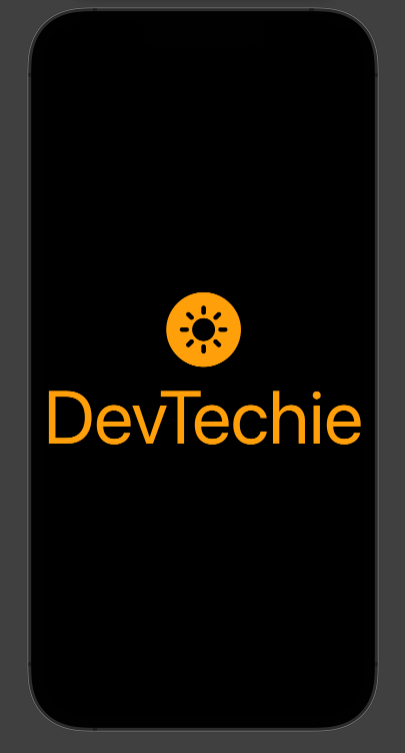
SymbolRenderingMode.monochrome This mode of SF symbol renders image in a single layer. ForegroundColor or ForegroundStyle can be used to define color, as shown below:
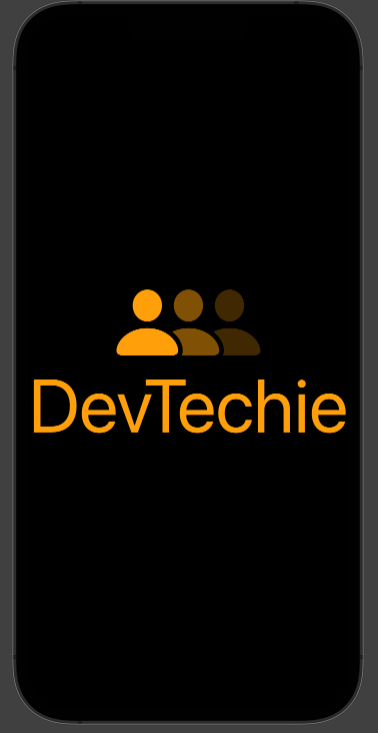
SymbolRenderingMode.hierarchical This mode of SF symbol renders the image in multiple layers. Each layer comes with a different opacity of foregroundColor . Variants like secondary or tertiary are used to control the opacity.
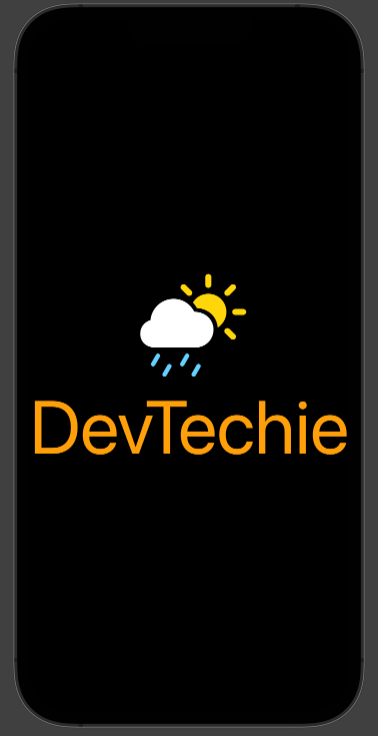
ForegroundColor application is subjective to the symbol in use. For example, above symbol completely ignores the .foregroundColor(.orange) , we can see this with a different symbol.
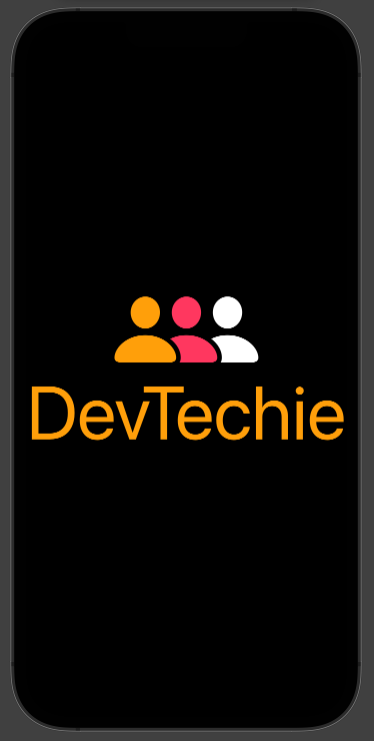
Last but not the least we have SymbolRenderingMode.palette this mode renders symbol in multiple layers using colors defined by you in foregroundStyle. .foregroundStyle supports primary, secondary and tertiary color variants and symbol adopts these color to render the image onto the screen.