New in SwiftUI 3: Swipe Left or Right with SwipeActions
WWDC21 introduced many improvements to third iteration of SwiftUI(SwiftUI 3). With these additions SwiftUI team has made our work even easier.
Today, let’s talk about one such feature, custom swipe action modifier. Starting iOS 15+ and SwiftUI 3+, we now have ability to display actions when a row in a list is swiped right or left.
Here is how function declaration looks like
func swipeActions<T>(edge: HorizontalEdge = .trailing, allowsFullSwipe: Bool = true, content: () -> T) -> some View where T : View
Let’s look at each parameter for this function.
edge is the edge of the view to associate with the swipe actions. Default value is HorizontalEdge.trailing
allowsFullSwipe This is a boolean value which indicates whether a full swipe automatically performs the first action. Default is true
content is the content of swipe actions.
Attaching swipe action is as easy as adding a modifier to the row in a list.
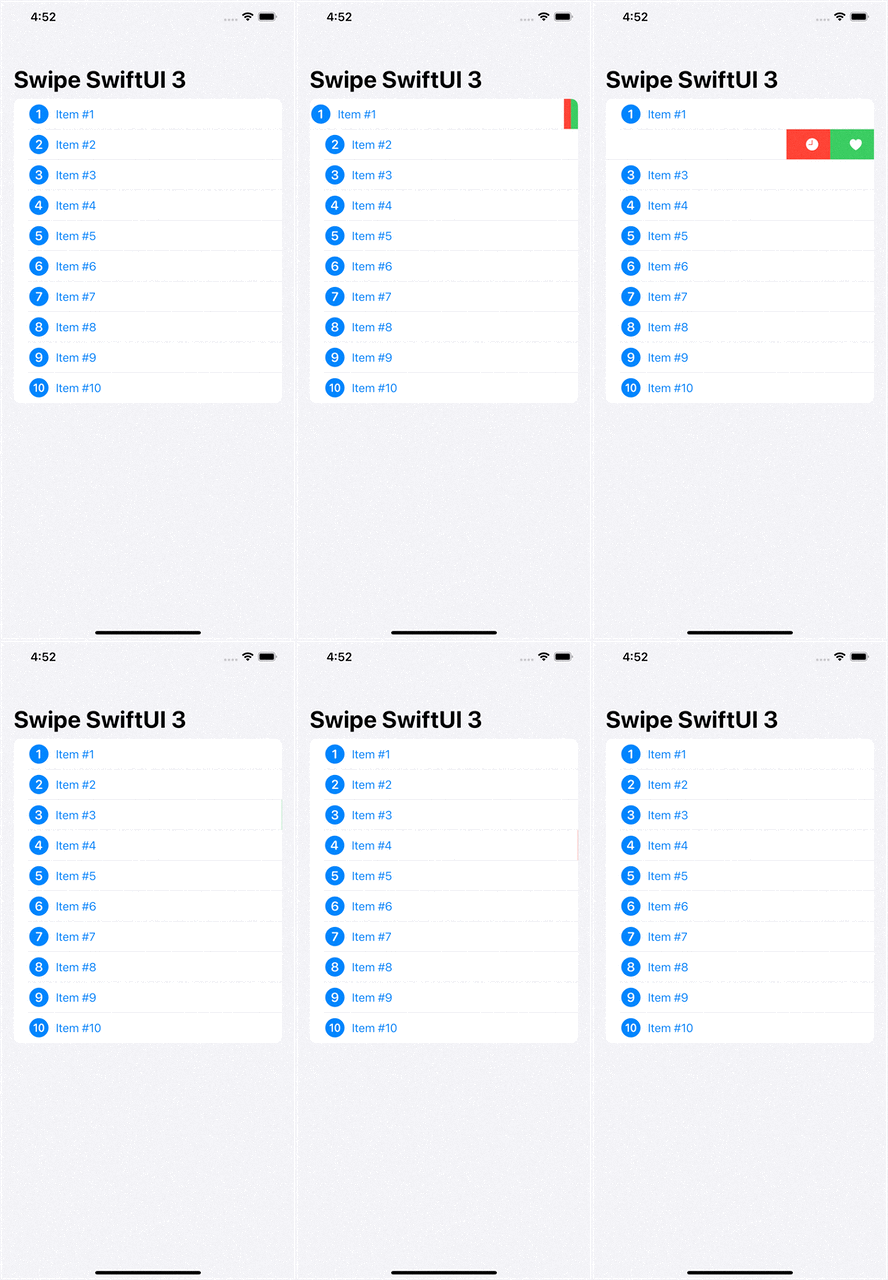
Here in this example above, we are creating a list of items by iterating over loop from 1 to 10. For each cell in the list, we have an HStack with image and title. Notice bold text in code, this is newly added modifier for custom swipe actions. As you can see addition actions to your row is as simple as wrapping Buttons inside swipe action modifier. In this example, we are creating two swipe action buttons which will be revealed when a user swipe a row to the left.
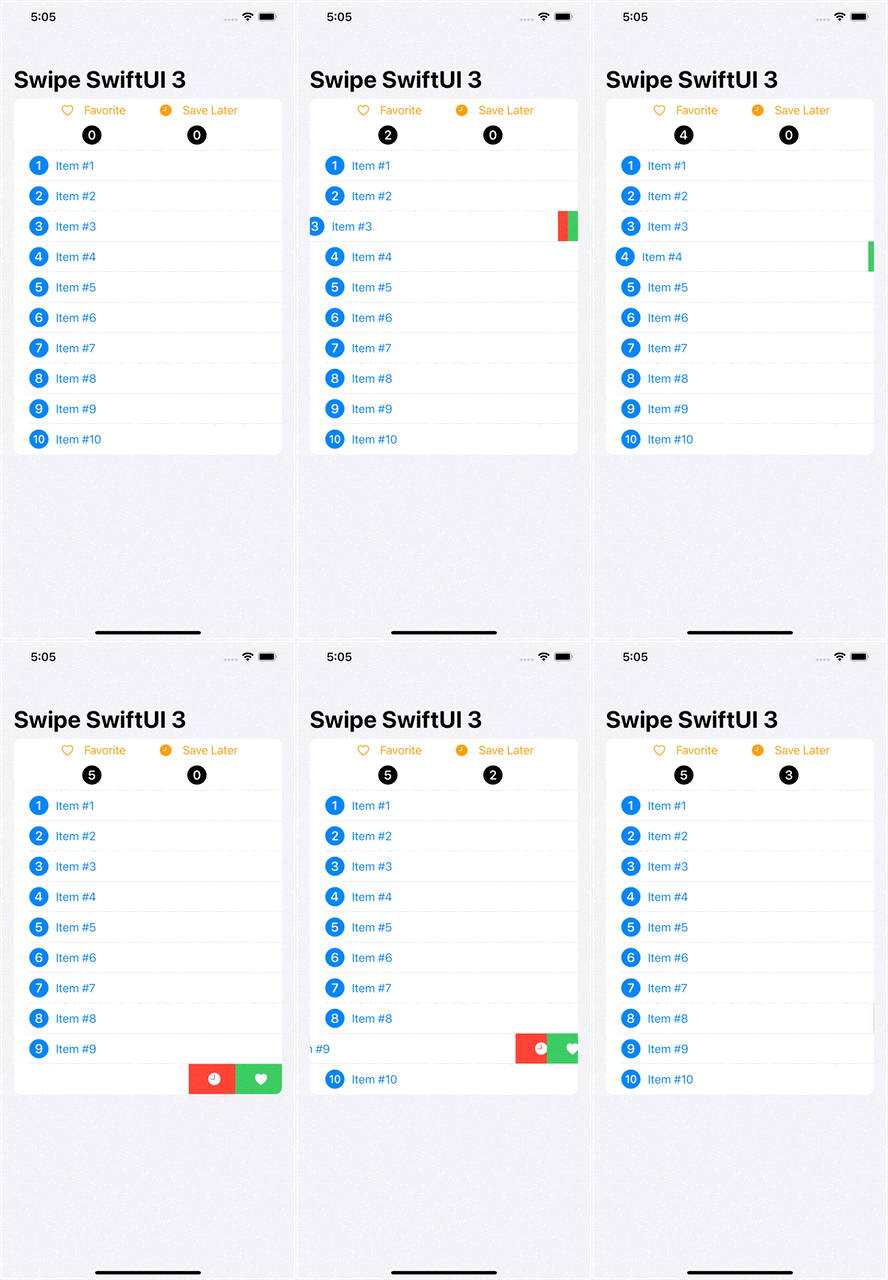
In this example, we are taking action and printing them in console so let’s do something useful with the selection. So instead of printing in console, we will create two state variables of string array type, each for favorites & save for later, and add items based on user’s selection into those arrays. For UI we will add count of those at the top of the list so as user is making selections, we will display count of item at the top of the list.
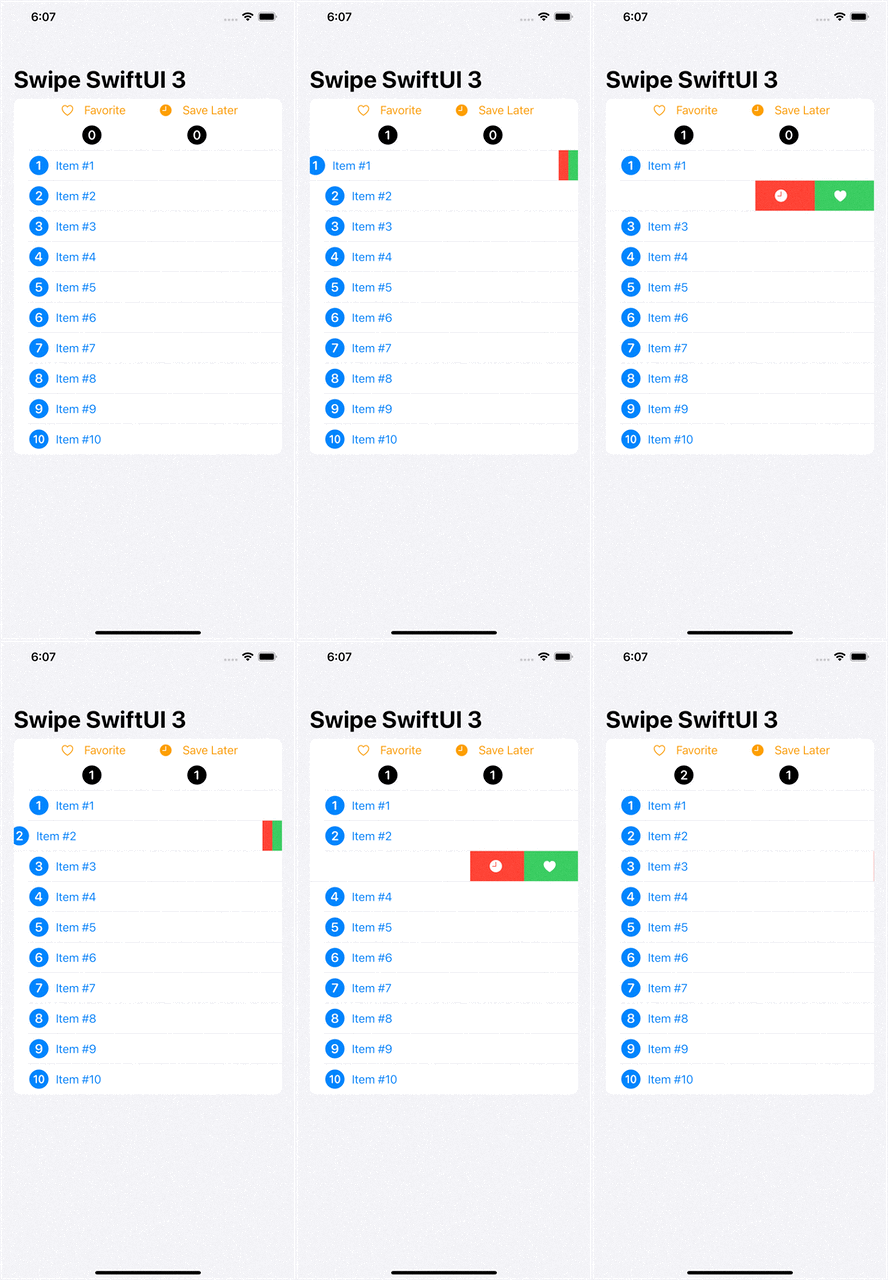
Notice the default swipe action, when we swipe to a certain distance the first action is triggered by default. That’s the default behavior but we can change that by specifying allowsFullSwipe to false value.
So far we have seen swipeActions modifier for default behavior and full swipe actions. Let’s put edge parameter to use as well.
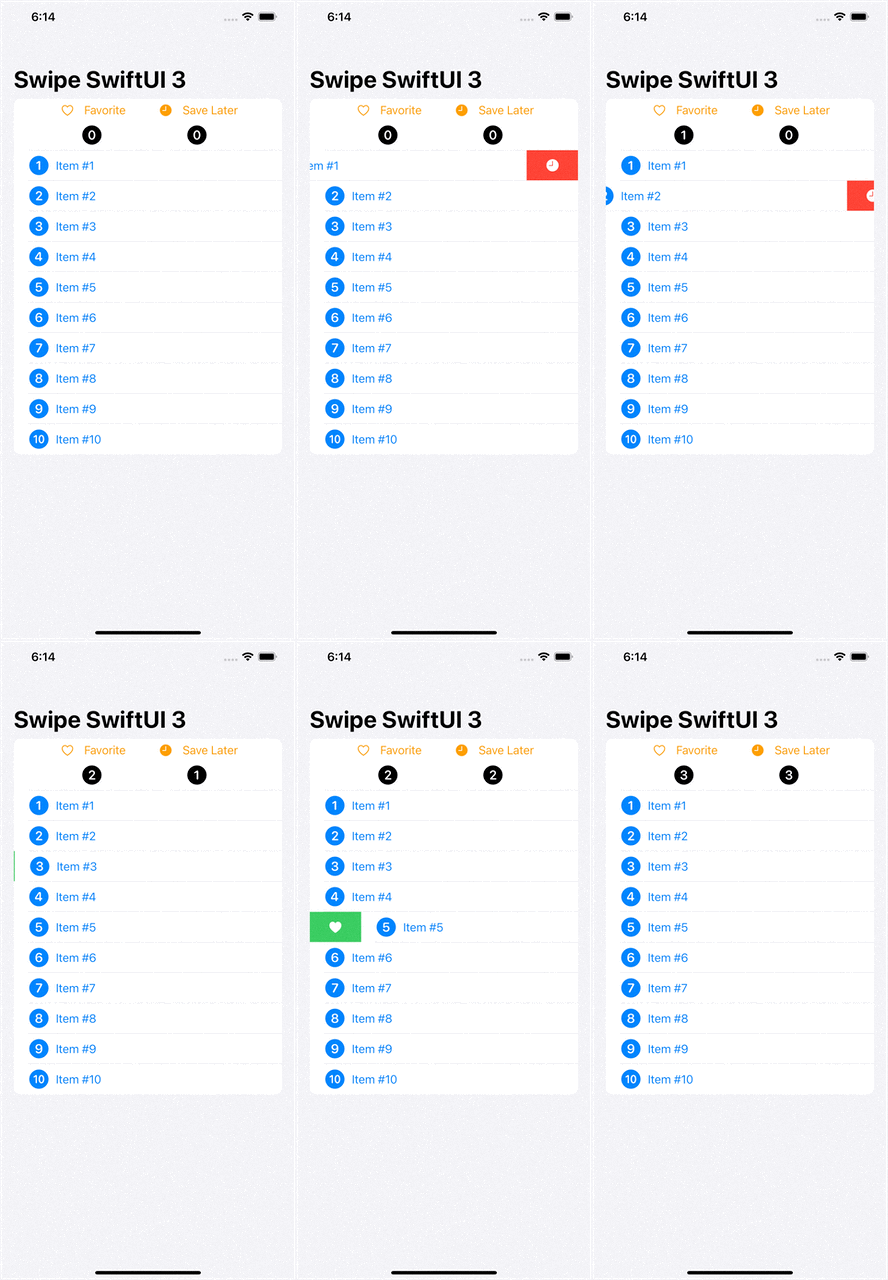
We have two actions per row at this point, wouldn’t it be nice to have one from leading edge and another from trailing edge 🧐. I think it would be nice to do that so let’s do that 😍
Best part of this modifier is that you can chain them with edge parameter. Notice that for first action we didn’t specify the edge parameter so it is using the default value( .trailing) for edge parameter:
.swipeActions(allowsFullSwipe: false) {
...
}
But for the second swipeAction, we specified the leading edge for our swipe action: