- Apr 7, 2025
Mastering OpenURL & Deep Links in SwiftUI & iOS
- DevTechie
- SwiftUI
OpenURL is a powerful mechanism in SwiftUI that allows our app to handle both internal and external links. In this comprehensive guide, we will walk through the basics to advanced usage of OpenURL in SwiftUI.
Let’s start with basics of OpenURL.
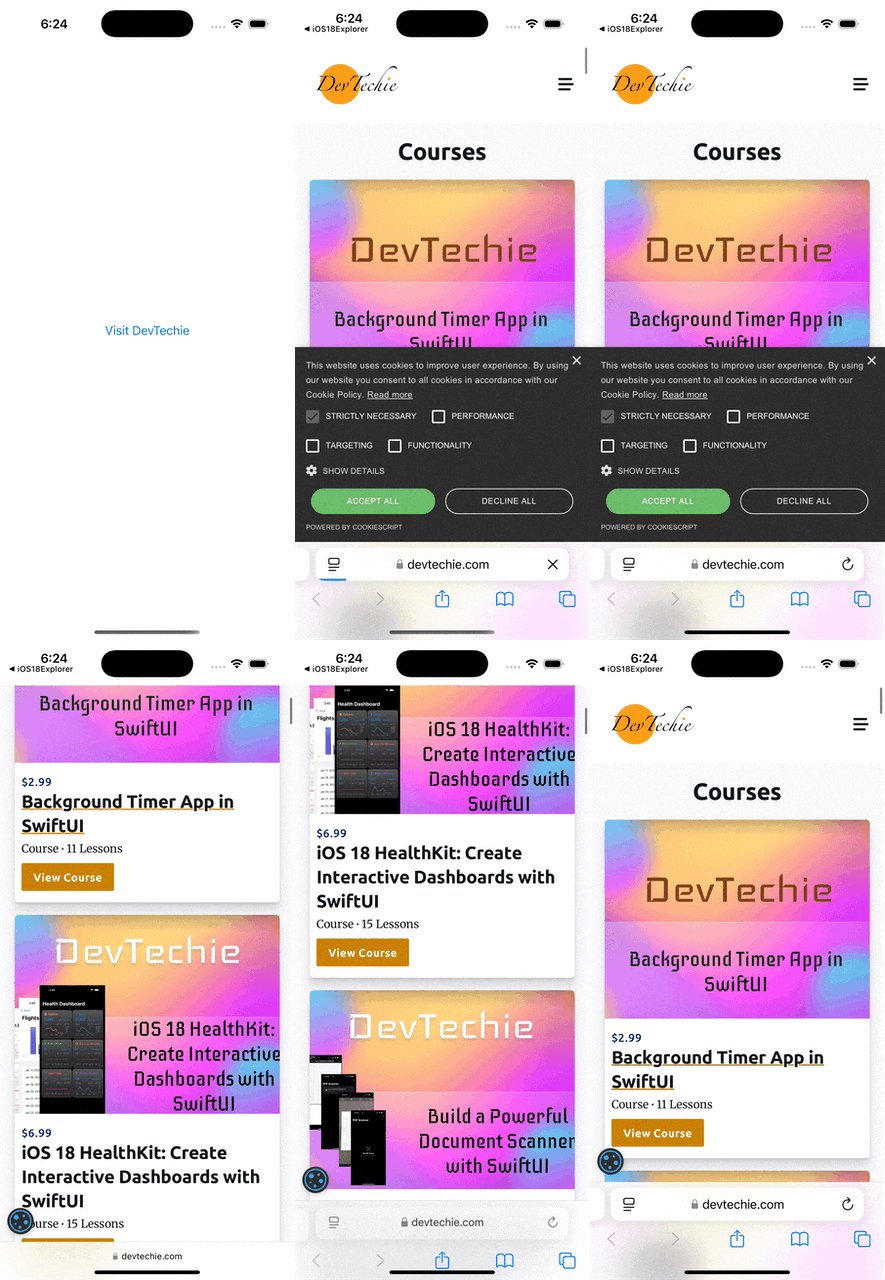
The openURL allows our apps to handle URLs in a consistent way across different views and components. We can get started with openURL modifier.
struct OpenURLExample: View {
    @Environment(\.openURL) private var openURL

    var body: some View {
        Button("Visit DevTechie") {
            openURL(URL(string: "https://www.devtechie.com")!)
        }
    }
}
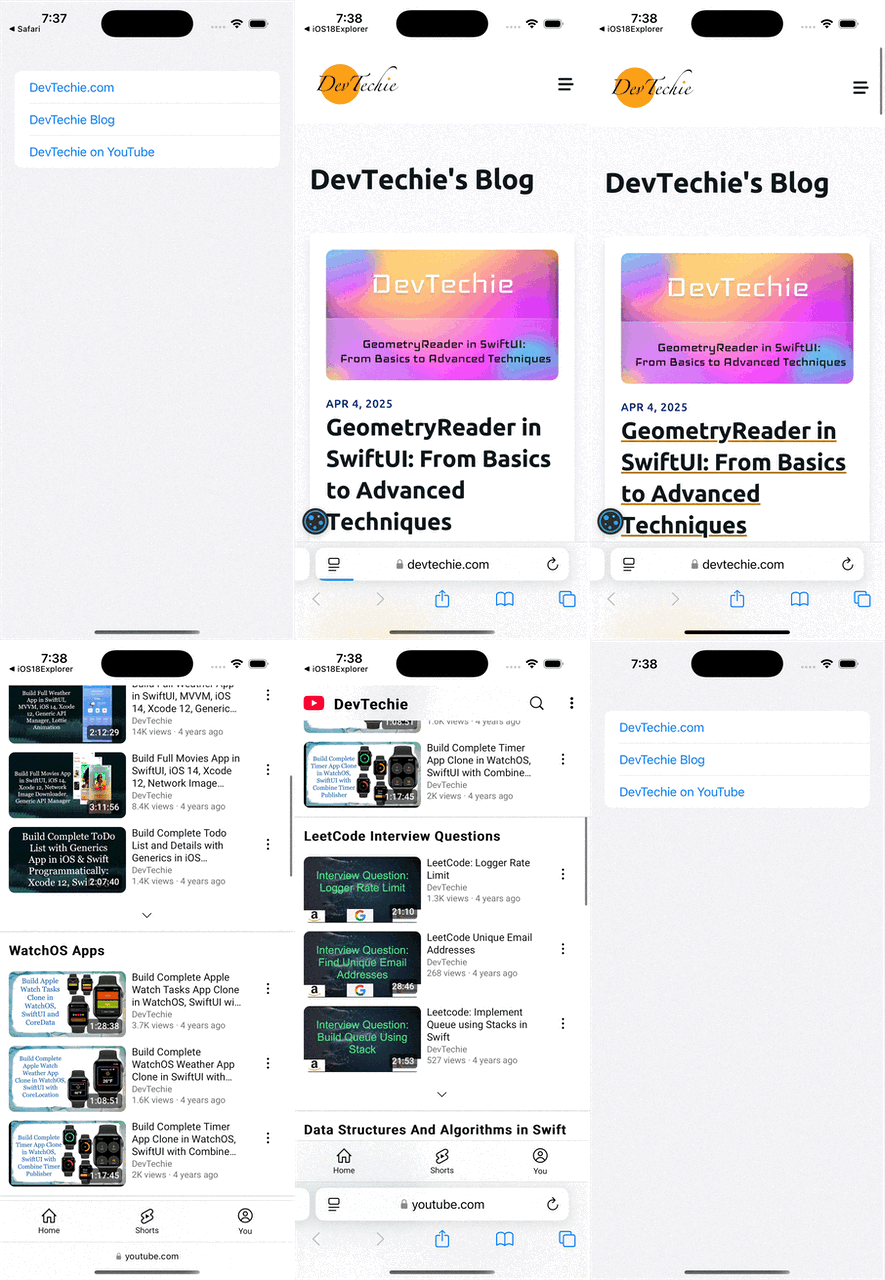
Let’s create a custom view to handle external links. We will create a new view named “ExternalLink.” This view will require a URL and a label as initialization parameters. Once we have these parameters, we can use them to open the URL.
import SwiftUI

struct OpenURLExample: View {
    var body: some View {
        List {
            ExternalLink(url: URL(string: "https://www.devtechie.com")!, label: "DevTechie.com")
            ExternalLink(url: URL(string: "https://www.devtechie.com/blog")!, label: "DevTechie Blog")
            ExternalLink(url: URL(string: "https://www.youtube.com/devtechie")!, label: "DevTechie on YouTube")
        }
    }
}

struct ExternalLink: View {
    let url: URL
    let label: String

    @Environment(\.openURL) private var openURL

    var body: some View {
        Button(label) {
            openURL(url)
        }
    }
}
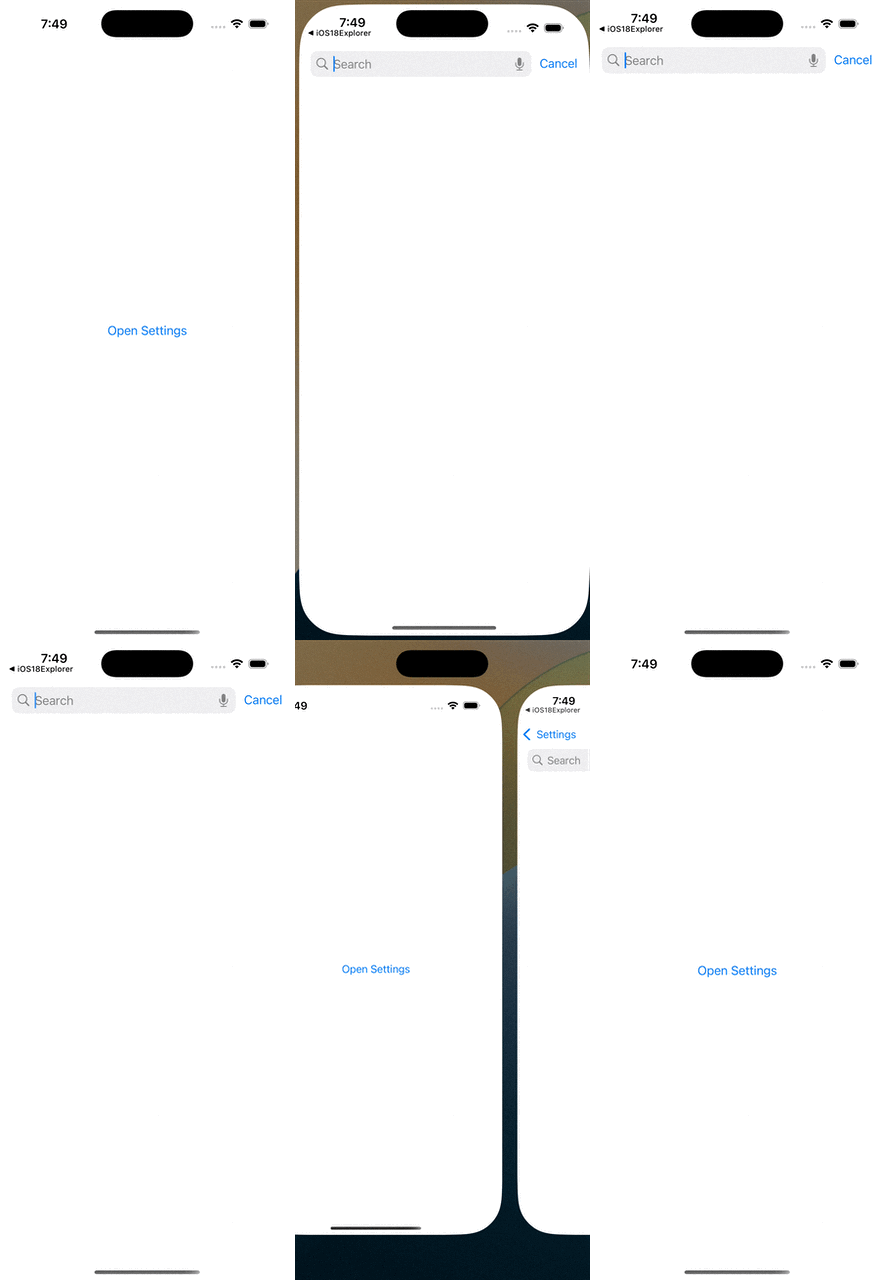
We can open other types of links using openURLAction. For instance, we can open the app settings as demonstrated below.
struct OpenURLExample: View {
    var body: some View {
        ExternalLink(url: URL(string: UIApplication.openSettingsURLString)!, label: "Open Settings")
    }
}

struct ExternalLink: View {
    let url: URL
    let label: String

    @Environment(\.openURL) private var openURL

    var body: some View {
        Button(label) {
            openURL(url)
        }
    }
}
OpenURLAction also allows us to determine whether the action was successful or unsuccessful by passing a closure as an argument.
struct OpenURLExample: View {
    var body: some View {
        SettingsButtonView()
    }
}

struct SettingsButtonView: View {
    @Environment(\.openURL) var openURL
    @State private var showAlert = false

    var body: some View {
        Button("Open Settings") {
            Task {
                let settingsURL = URL(string: UIApplication.openSettingsURLString)!
                openURL(settingsURL) { accepted in
                    if accepted == false {
                        showAlert = true
                    }
                }
            }
        }
        .alert("Unable to open Settings", isPresented: $showAlert) {
            Button("OK", role: .cancel) {}
        } message: {
            Text("Please open Settings manually to change permissions.")
        }
        .padding()
        .buttonStyle(.borderedProminent)
    }
}
We can also utilize SwiftUI’s Link view to open URLs. Let’s build an example to demonstrate this functionality. We will create a view that includes a TextEditor and, using the Date Detector API, we’ll open the first URL detected within the TextEditor.
import SwiftUI

struct OpenURLExample: View {
    @State private var text = ""
    @State private var detectedURL: URL? = nil

    var body: some View {
        VStack(alignment: .leading, spacing: 16) {
            Text("DevTechie.com")
                .font(.title)

            TextEditor(text: $text)
                .frame(height: 150)
                .border(Color.gray.opacity(0.5), width: 1)
                .onChange(of: text) { _, _ in
                    detectedURL = extractFirstURL(from: text)
                }

            if let url = detectedURL {
                Link("Open Detected URL: \(url.absoluteString)", destination: url)
                    .foregroundColor(.blue)
                    .underline()
            }

            Spacer()
        }
        .padding()
    }

    func extractFirstURL(from string: String) -> URL? {
        let types: NSTextCheckingResult.CheckingType = .link
        guard let detector = try? NSDataDetector(types: types.rawValue) else { return nil }
        let matches = detector.matches(in: string, options: [], range: NSRange(location: 0, length: string.utf16.count))
        return matches.first?.url
    }
}
We can create deep links into our app using OpenURLAction. For this we will first add a custom URL scheme to the app so to add custom scheme
Go to your project settings → Info tab → URL Types
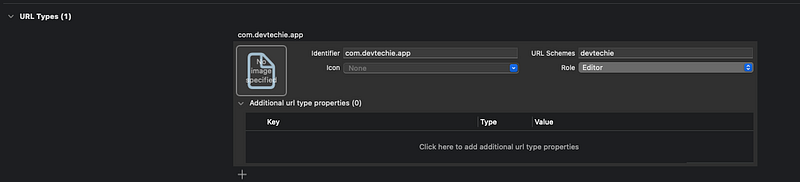
Add a new one: Identifier: e.g.,
com.devtechie.appURL Schemes: e.g.,
devtechie
We will add onOpenURL modifier to the TextEditor
TextEditor(text: $text)
  .frame(height: 150)
  .border(Color.gray.opacity(0.5), width: 1)
  .onChange(of: text) { _, _ in
      detectedURL = extractFirstURL(from: text)
  }
  .onOpenURL { url in
      text += "\nOpened URL: \(url)"
  }
Complete example should look like this
struct OpenURLExample: View {
    @State private var text = ""
    @State private var detectedURL: URL? = nil

    var body: some View {
        VStack(alignment: .leading, spacing: 16) {
            Text("DevTechie.com")
                .font(.title)

            TextEditor(text: $text)
                .frame(height: 150)
                .border(Color.gray.opacity(0.5), width: 1)
                .onChange(of: text) { _, _ in
                    detectedURL = extractFirstURL(from: text)
                }
                .onOpenURL { url in
                    text += "\nOpened URL: \(url)"
                }

            if let url = detectedURL {
                Link("Open Detected URL: \(url.absoluteString)", destination: url)
                    .foregroundColor(.blue)
                    .underline()
            }

            Spacer()
        }
        .padding()
    }

    func extractFirstURL(from string: String) -> URL? {
        let types: NSTextCheckingResult.CheckingType = .link
        guard let detector = try? NSDataDetector(types: types.rawValue) else { return nil }
        let matches = detector.matches(in: string, options: [], range: NSRange(location: 0, length: string.utf16.count))
        return matches.first?.url
    }
}
Let’s type devtechie://test in mobile safari and see the prompt to open the app.
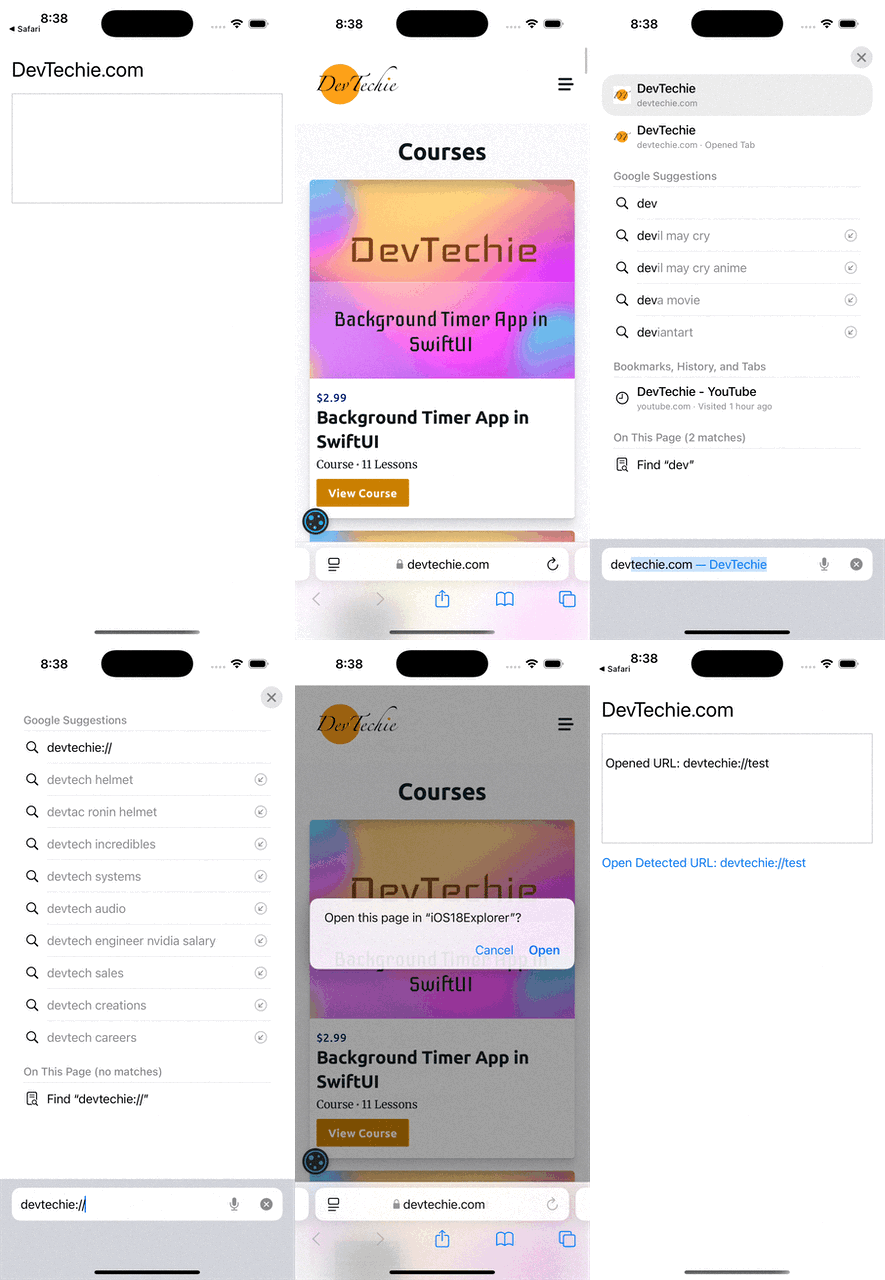
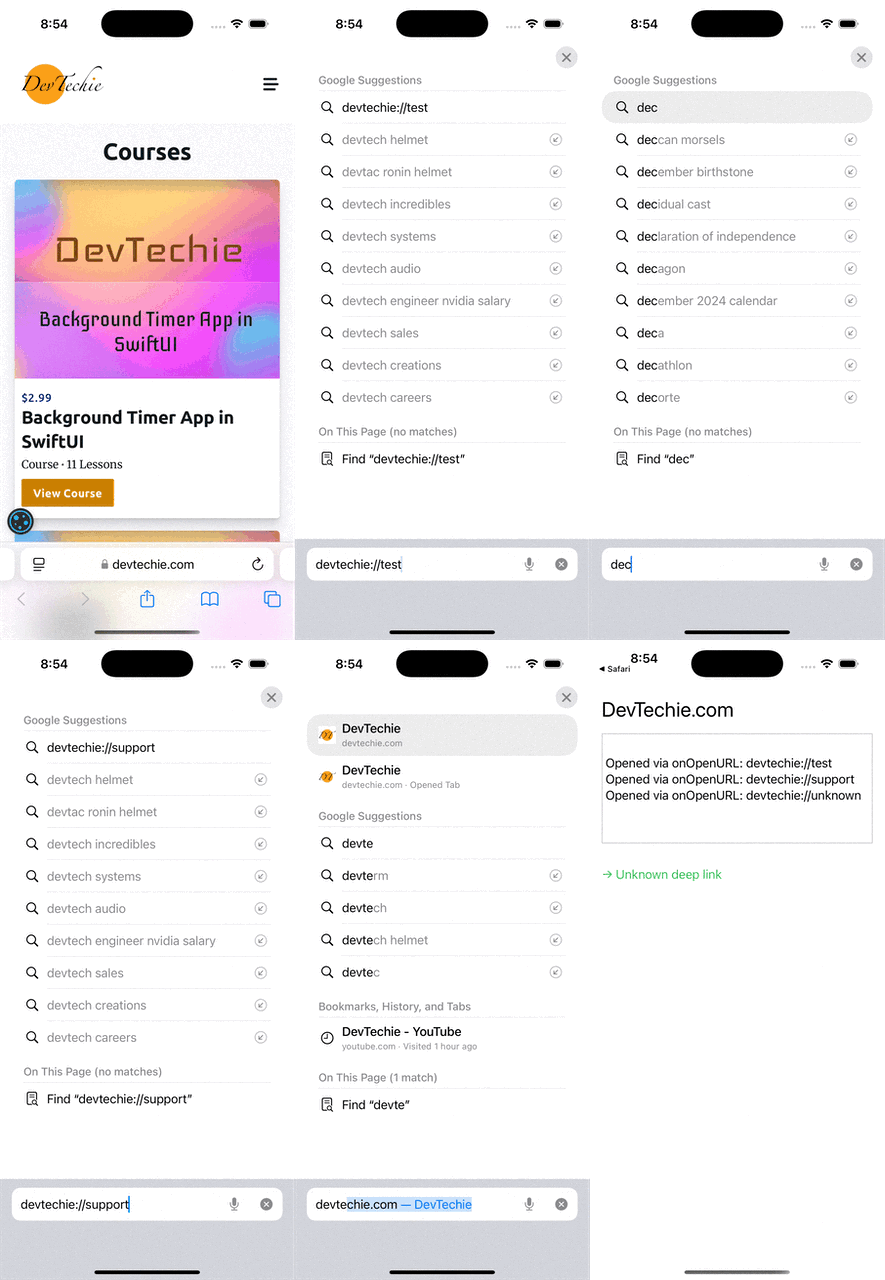
We can expand this example and even take the user to a specific page from the deeplink URL.
import SwiftUI

struct OpenURLExample: View {
    @State private var text = ""
    @State private var latestURL: URL?
    @State private var messageFromDeepLink: String?

    var body: some View {
        NavigationStack {
            VStack(alignment: .leading, spacing: 16) {
                Text("DevTechie.com")
                    .font(.title)

                TextEditor(text: $text)
                    .frame(height: 150)
                    .border(Color.gray.opacity(0.5), width: 1)
                    .onOpenURL { url in
                        latestURL = url
                        text += "\nOpened via onOpenURL: \(url)"
                    }

                if let message = messageFromDeepLink {
                    Text("→ \(message)")
                        .foregroundColor(.green)
                        .padding(.top)
                }

                Spacer()
            }
            .padding()
        }
        .onChange(of: latestURL) { _, newURL in
            handleURL(newURL)
        }
    }

    private func handleURL(_ url: URL?) {
        guard let url = url else { return }

        if url.scheme == "devtechie" {
            switch url.host {
            case "test":
                messageFromDeepLink = "Navigated to test section!"
            case "support":
                messageFromDeepLink = "Navigated to support section"
            default:
                messageFromDeepLink = "Unknown deep link"
            }
        } else {
            messageFromDeepLink = "System URL: \(url.absoluteString)"
        }
    }
}
Let’s dive deeper into this concept and implement a coordinator design pattern to directly navigate the user to a specific page within the application.
We will create an enum first for all the routes in the app
// MARK: - Enum for Routes
enum Route: Hashable {
    case test
    case support
}
Next, we will create a navigation coordinator that will publish the NavigationPath object, which contains the route associated with the page where the deep link should take the user..
import Observation
// MARK: - Coordinator
@Observable
class NavigationCoordinator {
    var path = NavigationPath()

    func handleDeepLink(_ url: URL) {
        guard url.scheme == "devtechie" else { return }

        switch url.host {
        case "test":
            path.append(Route.test)
        case "support":
            path.append(Route.support)
        default:
            break
        }
    }
}
We will create two views corresponding to the routes.
struct TestView: View {
    var body: some View {
        VStack {
            Text("🧪 Test View")
                .font(.largeTitle)
                .padding()
            Spacer()
        }
        .navigationTitle("Test")
    }
}

struct SupportView: View {
    var body: some View {
        VStack {
            Text("🛠 Support View")
                .font(.largeTitle)
                .padding()
            Spacer()
        }
        .navigationTitle("Support")
    }
}
It’s time to update the OpenURLExample view to include a coordinator and implement the logic for handling deep link navigation using navigationDestination modifier.
struct OpenURLExample: View {
    @State private var coordinator = NavigationCoordinator()
    @State private var text = ""

    var body: some View {
        NavigationStack(path: $coordinator.path) {
            VStack(alignment: .leading, spacing: 16) {
                Text("DevTechie.com")
                    .font(.title)

                TextEditor(text: $text)
                    .frame(height: 150)
                    .border(Color.gray.opacity(0.5), width: 1)
                    .onOpenURL { url in
                        text += "\nOpened URL: \(url)"
                        coordinator.handleDeepLink(url)
                    }

                Spacer()
            }
            .padding()
            .navigationDestination(for: Route.self) { route in
                switch route {
                case .test:
                    TestView()
                case .support:
                    SupportView()
                }
            }
        }
    }
}
Build and run
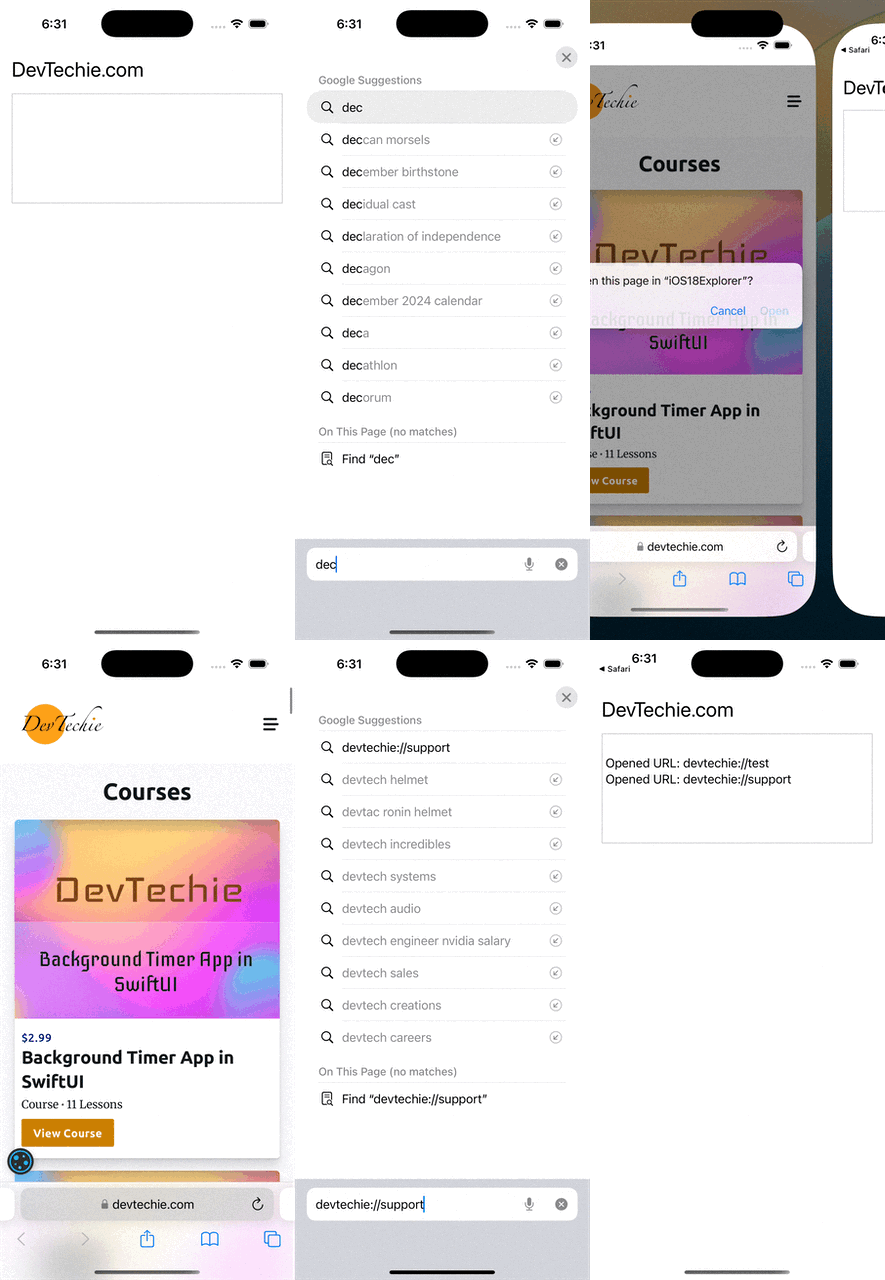
OpenURL provides a powerful mechanism for handling both internal and external navigation in your app.
Visit us at